








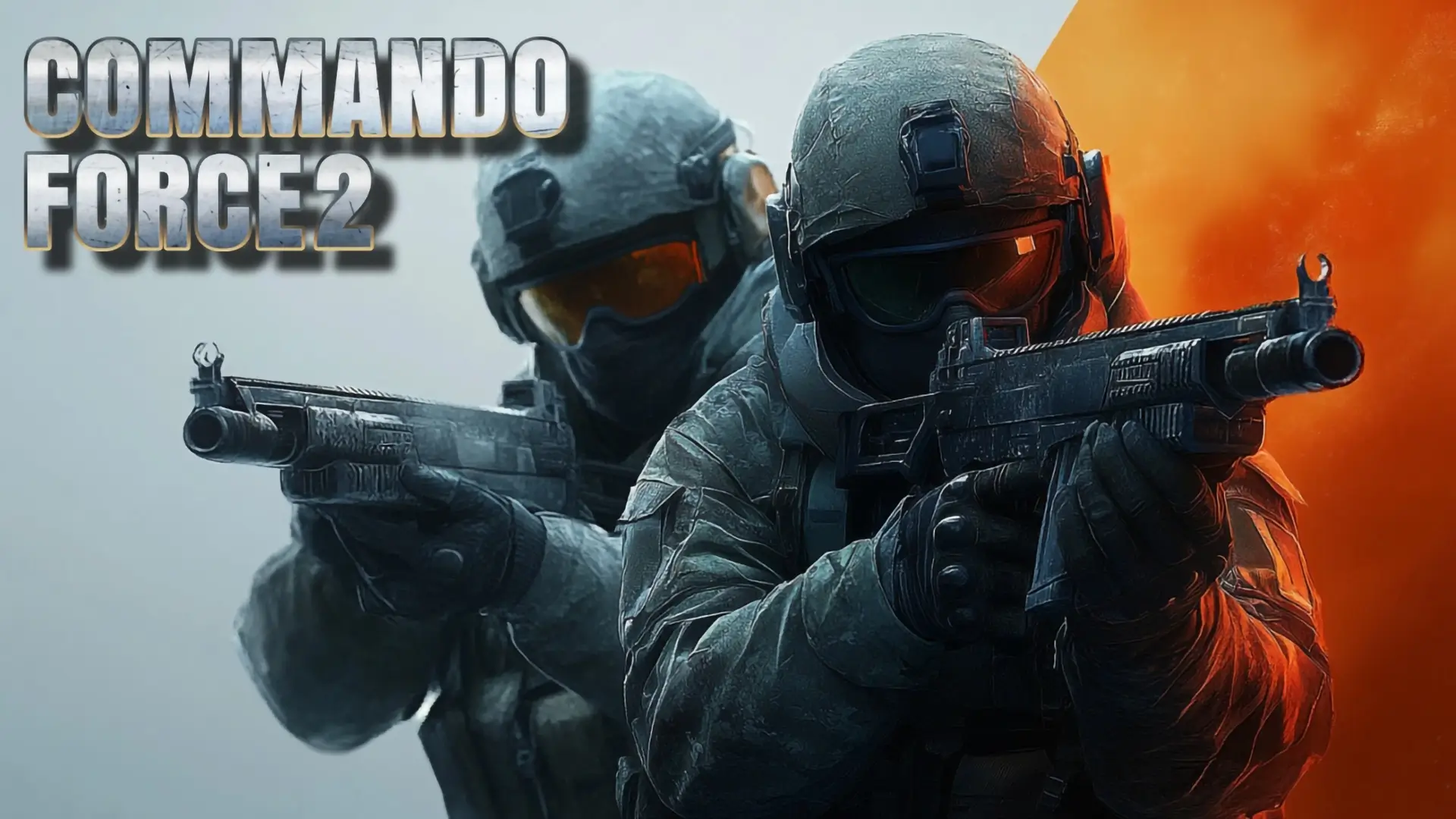
Gear up for fast-paced action! Ready to jump into the most intense shooter adventure? Play Commando Force 2 free online now, the thrilling 3D game that challenges you to unlock new weapons, dominate every map, and show off your tactical skill! With smooth controls for running, sliding, and shooting, the battlefield is waiting. Join the fun and dive into the action today!
Table of Contents
About Commando Force 2: The Fast-Paced Shooter Adventure
Commando Force 2 is an intense, full-action gun game published by LUCKY TRY that promises a thrilling adventure on every map. This fast-paced shooter is designed for players who love high-mobility combat, blending classic FPS mechanics with modern features like the run and slide action. Your mission is clear: unlock a powerful arsenal of weapons, master your controls, and dominate the maps to prove your skills as an elite soldier.
The game features extensive language support (including English, French, Spanish, Russian, and more) and is highly accessible, being compatible with Mobile Web (iOS and Android) as well as desktop browsers. The action is non-stop, requiring quick reflexes and tactical precision to outmaneuver opponents and secure victory.
How to Play & Controls: Running, Sliding, and Combat
Mastery of Commando Force 2 requires fluid control over both movement and combat actions. The game’s control scheme heavily rewards players who can transition quickly between running, sliding, and shooting.
PC Tactical Controls
| Action | Keybind | Function |
|---|---|---|
| Movement (Run/Move) | WASD / SHIFT + W | Standard movement / Hold SHIFT + W for a sustained sprint. |
| Slide Action | SHIFT + W + C | Execute a tactical slide while sprinting (essential advanced move). |
| Shooting/Aiming | M1 (Shoot) / M2 (Aim) | Left Mouse Button to fire / Right Mouse Button to aim down sights. |
| Reload/Crouch | R / C | Reload weapon / Crouch (Squat) for stability. |
| Grenade/Weapon Swap | G / Scroll Wheel | Throw Grenade Gun / Change weapon quickly. |
| Jump/Menu | SPACE / ESC or TAB | Jump / Open the in-game menu and scoreboard. |
Advanced Mechanics: Master the Run and Slide Action
The signature move in Commando Force 2 is the tactical slide, which is vital for both quick movement and gaining a competitive edge in close-quarters combat.
Executing the Slide Kill
The slide is executed by pressing SHIFT + W + C simultaneously. This allows your commando to slide a significant distance while maintaining momentum.
- Evasive Maneuver: Use the slide to quickly dodge incoming fire while crossing an open space. The low profile makes you a much smaller target.
- Close-Quarters Combat (CQC): Sliding into a close-quarters engagement throws off the enemy’s aim. You can use the slide to close the distance and fire from a crouched position for better accuracy.
- Corner Peeking: The slide allows you to enter a room or peek a corner at high speed, surprising opponents who are holding a tight angle.
Sustaining the Sprint
Sustaining the sprint (SHIFT + W) is essential for covering the map quickly and controlling the pace of the match. Always sprint when you are not actively engaging in a firefight to maintain map dominance.
Weapon Arsenal: Primary, Secondary, and Grenade Gun Strategy
Players have access to a full loadout, including two main weapons, a unique grenade launcher, and the ability to unlock new weapons as they progress.
- Primary Weapon (Key 1): This slot is for your main assault rifle, submachine gun, or sniper rifle. This is your primary source of damage and should be chosen based on the map’s size.
- Secondary Weapon (Key 2): This slot holds your pistol or sidearm. It should be used for finishing off a weakened enemy when your primary weapon runs out of ammo, as drawing a pistol is faster than a full reload (R key).
- Grenade Gun (Key G): The dedicated G button is for your grenade launcher. This is a utility weapon essential for clearing out tight spaces, flushing enemies out from behind cover, or setting up a multi-kill.
A winning strategy involves using the Scroll Wheel to quickly swap between your primary and secondary weapon (known as “quick-swapping”) during intense fights.
Online Play: Dominate Maps and Challenge the Leaderboard
Commando Force 2 Unblocked is built for competitive online play, where players challenge each other to dominate the maps.
- Map Domination: The objective is to learn the layouts, hiding spots, and sight lines of every map. Controlling key points on the map gives your team a critical advantage.
- Leaderboard Challenge: Players are constantly competing to rise up the leaderboard by achieving a high kill-to-death ratio and maximizing score per match.
- Language Accessibility: The game’s multi-language support (English, German, Spanish, Arabic, etc.) means you are playing against a global community of players.
Key Features of this Full-Action Game
- Fast-Paced Shooter Action: Non-stop combat designed for high-mobility play.
- Advanced Movement: Features the Run and Slide action for tactical maneuvering.
- Full Arsenal: Access to primary, secondary, and the unique Grenade Gun weapon.
- Unlockable Content: Ability to unlock new weapons and maps as you progress through the game.
- Multi-Platform: Playable on Mobile Web (iOS/Android) and desktop browsers.
Pro Tips for Quick Reloads and Tactical Movement
To survive the chaos and dominate the fast-paced maps, these Commando Force 2 tips are essential:
- Master the Quick-Swap: Never reload your primary weapon in the middle of a gunfight. Use the Scroll Wheel or Key 2 to instantly swap to your secondary weapon to finish the opponent, then reload your primary weapon in cover.
- Utilize the Grenade Gun (G): Use your grenade not for direct kills, but for flushing opponents out of cover. Firing the grenade at a known enemy position forces them to move into your line of fire.
- Avoid Open Space: Always move from cover to cover. Use the SHIFT + W sprint to cross small open spaces, and use the SHIFT + W + C slide to enter rooms.
How to Access and Play Commando Force 2
The fastest way to join the intense action is to play Commando Force 2 online in your browser right here. The game is free and instantly available on both desktop and mobile web thanks to its full compatibility.
- The primary version is a browser-based application, fully supporting PC and Mobile Web controls.
Is Commando Force 2 Unblocked?
Commando Force 2 Unblocked is available to play right here, making it accessible on many restricted networks. As a popular, fast-paced action shooter, it is a frequent choice for players looking for combat games to play at school or during a break.
Popular search terms: Commando Force 2 Unblocked, Commando Force 2 Mobile, play Commando Force 2 at school.
Is Commando Force 2 Safe for Kids? (Action Shooter)
Commando Force 2 is a fast-paced gun game and is rated for Teens, Young Adults, and Adults. Parental discretion is recommended.
- Content: The game focuses on combat and shooting. The graphics are stylized, and the action is fast. There is no blood, gore, or graphic violence, but the core theme is intense gun battles.
- Online Interaction: The game is an online shooter, meaning you are playing against other live users. While the chat function is not specified in the instructions, most online shooters involve interaction. Parents should be aware of and monitor the potential for competitive trash-talk.
- Rating: Due to the focus on shooting and the competitive nature, it is generally recommended for pre-teens and older (Ages 12+).
Similar Games You’ll Love
If you love the high-mobility action and competitive gunplay of Commando Force 2, you should check out these titles:
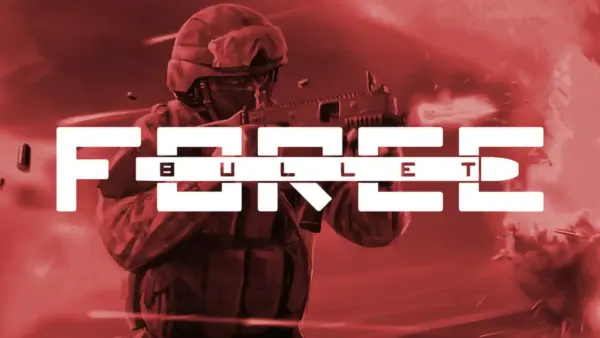
- Bullet Force – A top-tier multiplayer FPS known for its classic game modes, extensive customization, and smooth controls
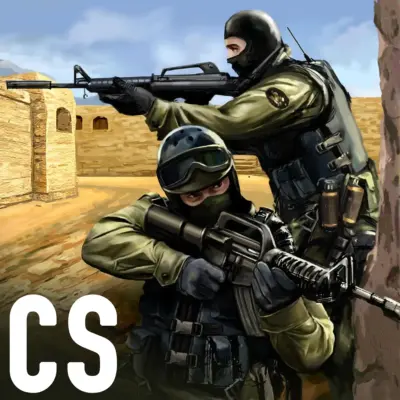
- CS Online – A tactical shooter inspired by Counter-Strike that features complex maps and the challenge of a strategic deathmatch.
- Kirka.io – A fast-paced, browser FPS that focuses on quick matches and satisfying gunplay.
- Combat 5 – A massive mobile FPS that features high-mobility combat, sliding, and tactical loadouts, similar to this game’s mechanics.
- Forward Assault – A highly tactical shooter by the same developers as Bullet Force that emphasizes realistic strategy and team-based play.
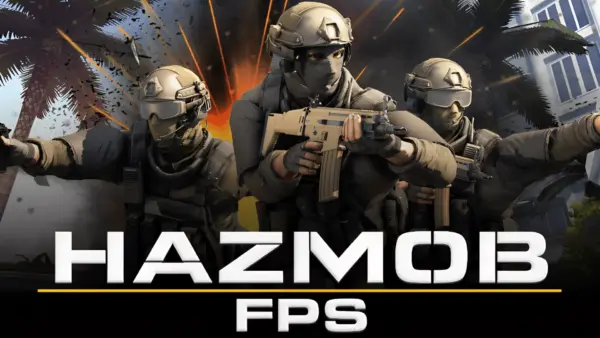
- Hazmob FPS
Frequently Asked Questions
What is the most important advanced control in Commando Force 2?
The most important advanced control is the SHIFT + W + C command, which executes the tactical slide action for high-mobility movement and evasive maneuvers.
How do I switch between my primary and secondary weapon quickly?
You can quickly switch weapons using the Scroll Wheel or by pressing the 1 key (Primary) or 2 key (Secondary).
Is Commando Force 2 available in my language?
Yes, the game is available in a large number of languages, including English, Arabic, French, German, Japanese, and Russian, ensuring a wide international player base.
What is the G key used for?
The G key is used to throw the Grenade Gun (grenade launcher), a utility weapon essential for clearing opponents out of cover.
Can I play Commando Force 2 on my iPhone?
Yes, the game is Mobile Web Compatible with both iOS (iPhone) and Android devices, allowing you to play directly in your mobile browser.
What are the benefits of using the slide?
The slide action provides two key benefits: it is an evasive maneuver to dodge enemy fire, and it allows you to close the distance for a surprise close-quarters attack.
How do I reload my weapon?
You reload your weapon by pressing the R key. It is highly recommended to do this while safely behind cover, or to quick-swap to your secondary weapon instead.
Does the game have a crouching mechanic?
Yes, you can crouch (squat) by pressing the C key. This improves your stability for more accurate shooting and lowers your profile behind barriers.
What is the most aggressive movement command?
The most aggressive movement command is the SHIFT + W combination, which executes the sustained sprint across the map.
Does Commando Force 2 have a story mode?
The game is primarily a fast-paced shooter focused on competitive online play (multiplayer), rather than a long, single-player story mode.
How do I open the game menu?
You can open the in-game menu and scoreboard by pressing the ESC key or the TAB key.
Is this game considered a tactical shooter?
Yes, due to its emphasis on strategic movement, crouching, aiming, and the tactical use of the slide, it is considered a tactical shooter.
How do I unlock new weapons?
You unlock new weapons by playing matches, earning currency or experience, and purchasing the weapons in the in-game arsenal menu.
What are the ages recommended for this game?
The game is recommended for the Teens, Young Adults, Adults, and Seniors age groups due to its competitive action theme.
Does the game have aim-down-sights (ADS)?
Yes, you can aim down sights (ADS) for better precision by pressing the M2 (Right Mouse Button).
Watch the Pros: Commando Force 2 Slide Kill Montages & Map Domination Guide
Want to see the top players execute flawless tactical slides and dominate the map? This video showcases expert gameplay, detailing the precise timing for the SHIFT + W + C slide kill, optimal grenade placements, and pro strategies for unlocking and using the best weapons. Watch now to learn the advanced tactics and prove what you’ve got!
Bottom Line
Ready to master the tactical slide and unlock every weapon? Commando Force 2 is the ultimate fast-paced shooter adventure. Don’t wait—jump into the action and play this thrilling game free on your browser today!
Comments