

















There are some games that never go out of style. Retro Ping Pong is one of those rare gems that mixes old-school nostalgia with clever modern upgrades. If you grew up playing Pong, you’ll feel right at home bouncing the ball back and forth. But Retro Ping Pong isn’t just a carbon copy of the original — it throws in crazy Action Modes that completely change the rules, making each match unpredictable and exciting.
The best part? You can play Retro Ping Pong online free directly in your browser. No downloads, no accounts, no waiting — just pure fun with either a friend or the computer. Whether you’re looking for a quick casual match or want to dive into the wacky action twists, Retro Pong Ping is always ready for another round.
Let’s break down everything you need to know about this addictive little game — from how to play, special features, pro tips, and unblocked versions, to FAQs and whether it’s safe for kids. By the end, you’ll see why Retro Pong Ping is still one of the most popular browser games out there.
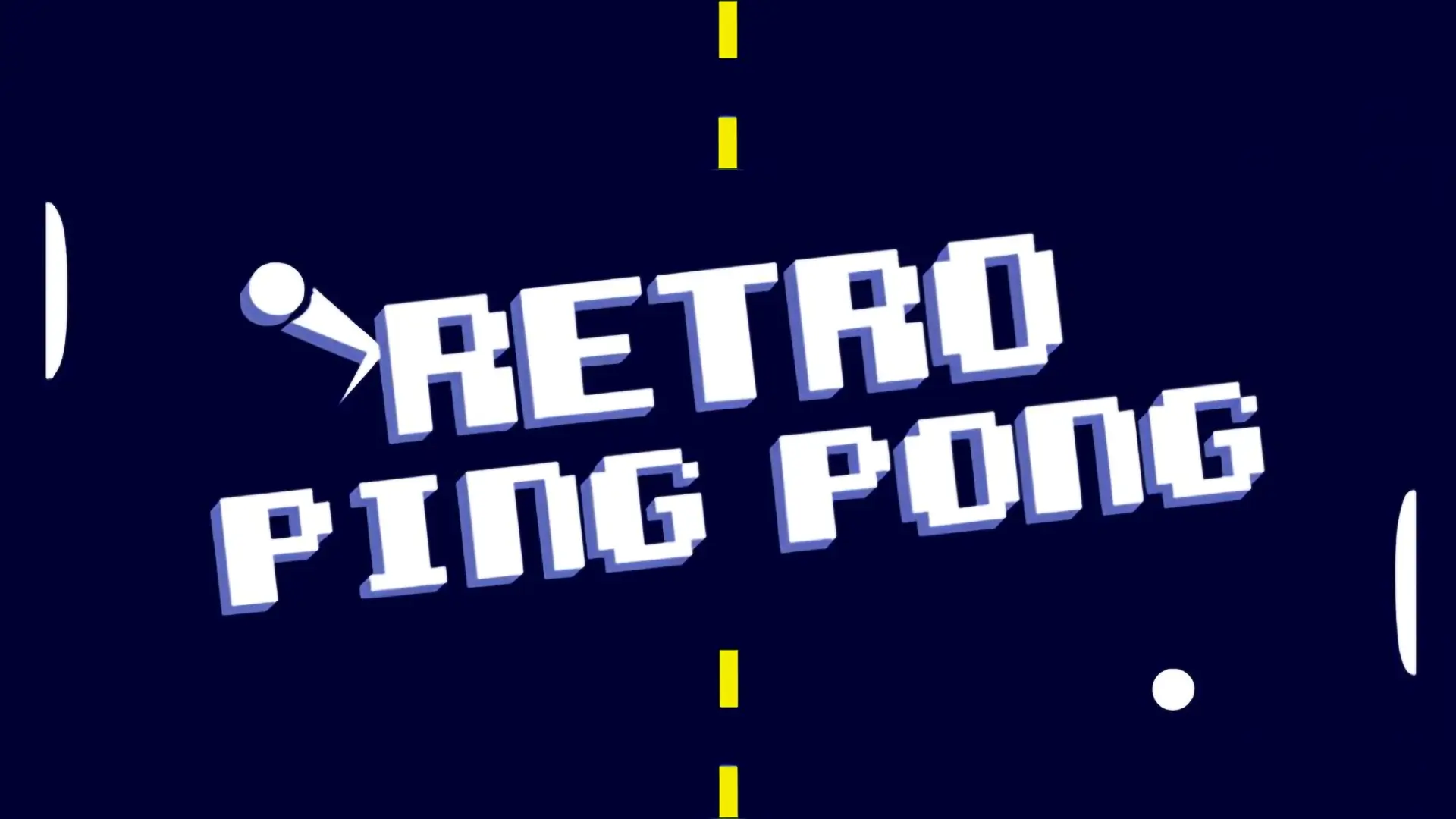
Table of Contents
- What is Retro Ping Pong?
- How to Play the Game?
- Tips & Strategies
- Retro Ping Pong Remastered / Updated Versions
- Play Retro Ping Pong Online Free on KickoutGames.com
- Similar Games
- Retro Ping Pong Unblocked
- Is It Safe for Kids?
- FAQ
- Conclusion
What is Retro Ping Pong?
Retro Ping Pong is a browser-based arcade game that reimagines the legendary 1970s Pong, the first commercially successful video game. At its heart, the rules are the same: two paddles, one ball, and the goal of hitting the ball past your opponent to score points. But Retro Ping game adds its own twist by introducing fun Action Modes that flip the gameplay on its head.
In Classic Mode, you get the traditional Pong experience — simple, clean, and all about reflexes. In Action Mode, each match comes with a unique rule change that keeps things unpredictable. One round might give you fireballs, another might throw in fog that hides the ball, or even blasters that let you shoot while playing. It’s Pong with attitude.
Originally featured on game portals like Coolmath Games and Hooda Math, Retro Ping Pong has gained popularity worldwide for being both nostalgic and innovative. It’s available on browsers and mobile, making it a go-to for players who want quick, casual fun.
How to Play the Game?
Learning to play Retro Ping Pong takes less than a minute. Here’s a quick breakdown:
- Player Controls: On desktop, use the arrow keys (Up/Down) or W/S to move paddles. On mobile, drag your finger to move.
- Scoring: Hit the ball past your opponent’s paddle to score. Matches usually go up to 7 points, but this can vary depending on the mode.
- Classic Mode: The original Pong gameplay — first to reach the score limit wins.
- Action Mode: Each round adds a random twist (fog, fireball, blasters, etc.) that changes how the game feels.
- Two Player Mode: Share a keyboard or device and challenge a friend.
The beauty of Retro Ping Pong is in its simplicity. Anyone can pick it up and start playing within seconds. But once the action twists kick in, you’ll need quick thinking and fast reactions to win.
Tips & Strategies
While Retro Ping Pong is easy to learn, mastering it takes some skill. Here are some gamer-tested strategies to up your game:
- Control the Angles: Don’t always hit the ball straight back. Use your paddle edges to change the ball’s angle and catch opponents off guard.
- Stay Centered: In Classic Mode, keeping your paddle near the center helps you react faster to both high and low shots.
- Adjust to Twists: In Action Mode, the rules change constantly. Learn to adapt — focus on visibility during fog rounds, or prepare for chaos when multiballs appear.
- Play Aggressively: Don’t just defend. Push your opponent into bad positions by controlling the ball’s speed and angles.
- Practice with AI: Single-player mode is great for warming up and improving reflexes before challenging friends.
Pro tip: During “Blaster Mode,” don’t tunnel vision on shooting. Keep tracking the ball, or you’ll get scored on while trying to show off.
Retro Ping Pong Remastered / Updated Versions
Unlike many retro-inspired games, Retro Ping Pong doesn’t have a “Remastered” edition — because it already feels fresh. However, updates to the game across platforms have added new Action Modes, improved visuals, and smoother controls on mobile devices.
The mobile app version, for example, brings local multiplayer to your phone, letting two players share the same screen for quick matches. On browser sites, the game runs in HTML5 (no Flash), ensuring compatibility with modern devices. So whether you’re playing on PC, tablet, or smartphone, Retro Ping Pong always feels responsive and fun.
Play Retro Ping Pong Online Free on KickoutGames.com
On KickoutGames.com, you can play Retro Ping Pong online free without downloads or installs. Just load the page and you’re ready to go. Our platform ensures smooth gameplay on both desktop and mobile, so you can enjoy quick matches anytime, anywhere.
Whether you’re into Classic Mode or love the unpredictability of Action Mode, Retro Ping Pong delivers non-stop entertainment. And once you’re done, you can explore dozens of other arcade and retro-inspired games we host, making our site the ultimate destination for browser-based fun.
Games Similar to Retro Ping Pong
If you enjoy Retro Ping Pong, you’ll probably like these other classic and modern takes on simple arcade fun:
- Pong: The original — simple, iconic, and timeless.
- Curveball: A 3D twist on Pong where you curve the ball into wild angles.
- Table Tennis World Tour: A more realistic ping pong simulation.
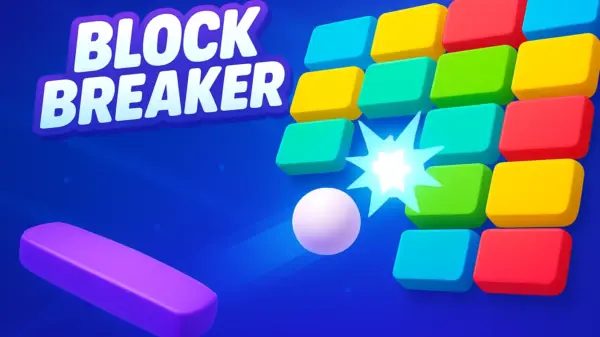
- Breakout / Brick Breaker: Another arcade classic where you bounce a ball to destroy blocks.
- Action Pong Variants: Fan-made mods with crazy twists, much like Retro Ping Pong’s Action Modes.
- Ping Pong Go: Athrilling and highly polished online sports game.
Retro Ping Pong Unblocked
Looking for Retro Ping Pong Unblocked? Many schools and workplaces restrict gaming sites, but unblocked versions let you play freely. Since Ping Pong Retro is browser-based, it’s easy to find unblocked editions that work anywhere.
On Kickout Games, you can play Retro Ping Pong unblocked online instantly. That means no barriers, no restrictions — just load the game and start playing whenever you want.
Is It Safe for Kids?
Yes, Retro Ping Pong is absolutely safe for kids. The graphics are minimal, the gameplay is straightforward, and there’s no violence, gore, or inappropriate content. It’s a family-friendly game that kids and parents can enjoy together.
In fact, Retro Ping Pong can even help kids develop hand-eye coordination, reflexes, and quick decision-making. And since the browser version is free, parents don’t have to worry about in-app purchases or hidden costs.
FAQ
Is Retro Ping Pong free to play?
Yes, you can play Retro Ping Pong online for free in your browser with no downloads required.
Can I play Retro Ping Pong with a friend?
Yes, the game supports two-player mode on the same device. Share a keyboard or screen and challenge each other.
What is Action Mode in Retro Ping Pong?
Action Mode adds fun twists to the classic Pong gameplay, such as fog, blasters, fireballs, multiballs, and more.
How do you control the paddles?
On PC, use the arrow keys or W/S. On mobile, drag or swipe to move your paddle.
What’s the difference between Classic and Action Mode?
Classic Mode is traditional Pong, while Action Mode introduces random twists that make each match unique.
Can I play it on mobile?
Yes, Retro Ping Pong is available on mobile browsers and as an app for iOS and Android.
How do you win a match?
Score more points than your opponent by hitting the ball past their paddle until the target score is reached.
Is there a game Remastered?
No official remaster, but the current HTML5 and mobile versions are updated for modern devices.
Does the game have multiplayer?
Yes, it supports local multiplayer on the same device in addition to single-player against AI.
What’s the hardest Action Mode?
Many players find Fog Mode and Multiball the most challenging, since both make tracking the ball tricky.
Do I need to download Retro Ping Pong?
No, you can play directly in your browser without downloads. The mobile app is optional.
What’s the scoring system?
Most matches go up to 7 points, but this may vary depending on the version or mode.
Can I play the game unblocked?
Yes, unblocked versions are available online, and you can play Ping Pong unblocked on KickoutGames.com.
Who created Retro Ping Pong?
Retro Ping Pong is hosted on portals like Coolmath Games and Hooda Math, and built as a modern twist on Atari’s classic Pong.
Gameplay Video
Conclusion
Retro Ping Pong proves that simple games can still be the most fun. By combining the timeless gameplay of Pong with unpredictable Action Modes, it keeps players hooked for round after round. It’s nostalgic for older gamers, fresh for younger ones, and universally enjoyable.
The best part? You don’t need to spend a dime. You can play Retro Ping Pong online free in your browser anytime, anywhere. Whether you’re battling the AI, challenging a friend, or testing your skills in Action Mode, it’s the kind of game you’ll keep coming back to.
So grab your paddle, get ready for some fast-paced rallies, and see if you have what it takes to become a Retro Ping Pong master. Play now and relive a classic with a modern twist!
Comments